Mummy Zombie AI: run in, spin away, come back a mummy, from one photo
Mummy Zombie AI turns one photo into the trend video: you run up a night road, mouth along with comically scared faces, spin away and come back as a mummy for a goofy zombie dance, 10 seconds, vertical.
- 1 photo, no prompt
- 10 s · 9:16 · 720p
- $9.90 one video · $14.90 for 2
- Failed renders refunded
Generate a brand-new performance video starring the people in your photos. We never edit the original footage. Works with any photo: a person, a pet, a toy or a drawing.
Your photo
Any subject: a person, a pet, a toy, a drawingScene
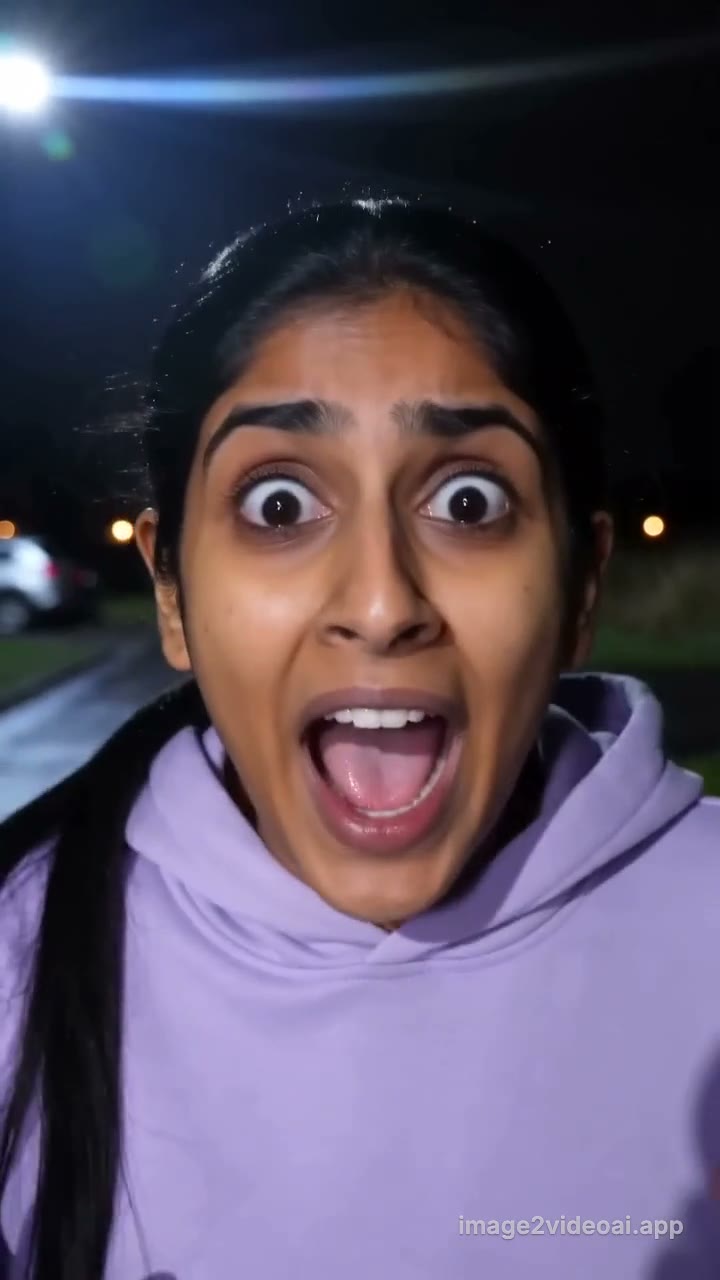 Mummy Zombie sceneTested scene, no prompt to write
One video $9.90 one-time · 2 for $14.90 · Usually ready in 3–8 min · Failed renders refunded
Example output. Once you generate, this frame shows your progress and then your own clip.
One photo in, one Mummy Zombie AI video out
Example clips are made on this site from AI-generated photos of fictional people and pets, and shortened for this page. Results vary.
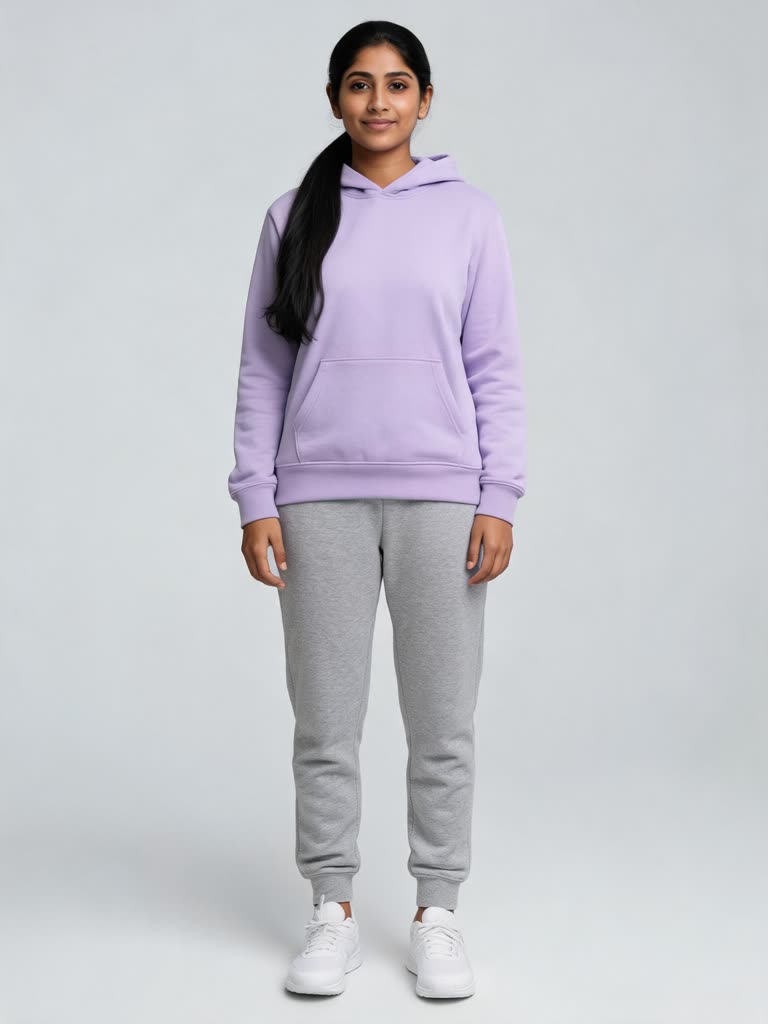 You · the one who turns into the mummy
- Your video hereUpload a photo above. 10 seconds, 9:16, ready in a few minutes.Start now
Mummy Zombie AI turns one photo into the trend video: you run up a night road, mouth along with comically scared faces, spin away and come back as a mummy for a goofy zombie dance, 10 seconds, vertical. One video is $9.90 one-time, 2 are $14.90. No subscription, no prompt to write; failed renders are refunded.
Updated November 3, 2026What is the Mummy Zombie AI trend?
The Mummy Zombie AI trend is a 10-second Halloween clip with a whip-pan transformation, shot like a handheld phone video on a quiet suburban road at night under a flaring streetlight. You run toward the camera, glance back over your shoulder as if something is chasing you, then lean into an extreme close-up and mouth along to the music with wide eyes, comically scared faces and hands fluttering by your cheeks. You spin away, the camera whips into a blur and a split-second black frame, and you are back in close-up as a mummy: frayed linen bandages, pale parchment skin, dark sunken eyes, your own hair showing under the wraps, still mouthing the beat. Then the camera pulls back and the mummy does a stiff, goofy, arms-out zombie dance on the road, which is what people actually post the clip for.
It is one of the lighter entries in the AI Halloween wave on TikTok, spreading around early October 2026 as single-photo effects got good at keeping a face recognizable through a costume change. It plays for laughs, not scares: nobody screams, and the fear is all overacted lip-sync. The spin-and-cut beat is borrowed from older transition trends; the AI version removes the need for bandages, a second take or any editing, since the run, the close-up, the wrap and the dance are all generated.
Also searched as "AI mummy trend" and "mummy transformation video". This page generates the road, the run-in, the transformation and the dance from one photo and delivers a vertical MP4 with AI-generated sound; mute it in TikTok and add the original audio when you post.
- Origin
- AI Halloween transformation clips – TikTok
- Started
- around early October 2026
How to make the Mummy Zombie AI video
- 1
Upload one clear photo of the one who turns into the mummy: a person (an adult, face visible, no sunglasses), a pet, a toy or a drawing.
- 2
Tick the consent box and press Make my video. The night road, the run-in, the transformation and the dance come from the tested version, so there is no prompt to write.
- 3
Download the clip in 3–8 minutes and post it. In TikTok or Reels, mute the clip's AI sound and add the trend's original audio.
What happens in the 10 seconds
- 0–1sNight on a quiet suburban road, a streetlight flaring in the corner. You run toward the camera in your everyday clothes.
- 1–2sYou arrive close and glance back over your shoulder as if being chased.
- 2–5sExtreme close-up: eyes wide, you mouth along to the music with exaggerated, comically scared faces.
- 5–6sHands flutter beside your cheeks while you keep mouthing.
- 6–7sYou spin away so the back of your head faces the camera; a fast whip-pan blur and a split-second black frame.
- 7–8sClose-up again, now a mummy: frayed linen bandages, pale parchment skin, dark sunken eyes, your own hair under the wraps, still mouthing to the beat.
- 8–10sThe camera pulls back to full body and the mummy does a stiff, goofy zombie dance: rigid arm swings, arms out wide, shoulder jerks, shuffling steps toward the camera.
Start with one video
Pay once, no subscription. Credits work for every video on the site and pack credits stay valid for 12 months; failed renders are refunded.
One video · one-time
$9.9010 credits
Exactly this Mummy Zombie AI video: 10 seconds, 9:16, 720p. The credits are added right after checkout; then press Make my video.
Starter Pack
SAVE 24%$14.9020 credits · 2 videos
2 videos for Mummy Zombie AI or any other page on the site. $7.45 per video instead of $9.90.
Making more?
from$4.34per video
- Standard Pack · 6 videos$39.90
- Pro Pack · 18 videos$99.90
- Monthly plansfrom $19.90/mo
Payments are handled by our payment processor. Buying means you accept the Terms and the Refund Policy.
Mummy Zombie AI FAQ
What is the Mummy Zombie AI trend?
A 10-second clip where you run up a night road, glance back, mouth along to the music with comically scared faces, spin away and, after a whip-pan, come back as a mummy doing a stiff, goofy zombie dance. The AI version generates the run, the transformation and the dance from one photo of you.
How do I make a Mummy Zombie AI video?
Upload one clear photo, tick the consent box and press Make my video. The tested scene is used as is, so there is no prompt to write. Length (10 s), ratio (9:16) and resolution (720p) are fixed. The video is usually ready in 3 to 8 minutes and also appears in My Creations.
Is Mummy Zombie AI free?
No. Each video costs 10 credits, paid once with no subscription needed; the button shows the credits before you generate. Failed or declined renders return their credits automatically.
What photos should I upload?
Any subject works, one per photo: a person, a pet, a toy, a drawing or AI art. A person must be an adult, face clearly visible and looking roughly at the camera, no sunglasses, masks or heavy filters; a pet needs its face and eyes visible. At least 512 px on the short side; even lighting helps a lot. A photo that shows the upper body helps the run-in look like your photo.
How much does it cost?
10 credits per video. Credits work for every video on the site; pack credits stay valid for 12 months, monthly-plan credits for 30 days.
How long does it take?
Usually 3 to 8 minutes. You can leave the page; the finished video is listed in My Creations.
Can I make it with my pet, dog or cat?
Yes. Any photo works: upload your dog, cat or another pet, a toy, a drawing or AI art instead of a person, one per photo, and the same scene is generated with it. The moves are written for people, so a pet or a character acts them out in its own way.
Does the video include the song?
The clip comes with AI-generated sound. On TikTok or Reels, mute the clip's own audio and add the trend's original sound in the app, so your video joins that sound's page.
Is it vertical (9:16) for TikTok and Reels?
Yes. 9:16 at 720p (720×1280), 10 seconds, MP4, no watermark.
Can I use photos of celebrities or other people?
No. Before every render you confirm that everyone in the photos is you or an adult who agreed to appear. No minors, no public figures, no sexual or harassing content. Breaking these rules gets the render declined, and repeated declines suspend the account for 24 hours.
What happens to my photos?
Photos are used only to make your video, deleted after 7 days and never used for training. Generation runs on a third-party AI provider; the finished file is stored in your account.
What if the generation fails or looks wrong?
Failed and declined renders are refunded automatically and the reason is shown in My Creations. If the transformation lands late or the face drifts, render again; each run is a new take.
More AI trend effects
All TikTok AI trends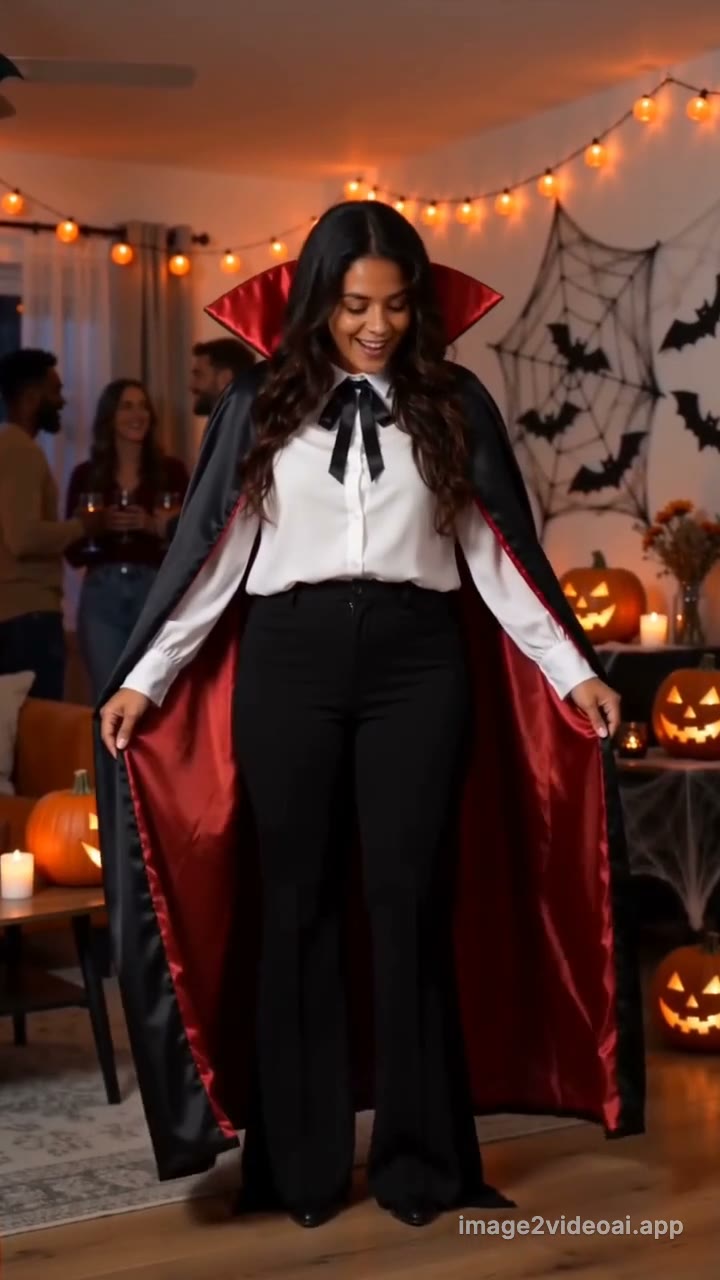 AI Halloween CostumeThe AI Halloween costume video turns one photo into the party spin trend: you snap, spin once, and a glowing sparkle swirl turns your everyday clothes into a classic vampire costume, 10 seconds, vertical.
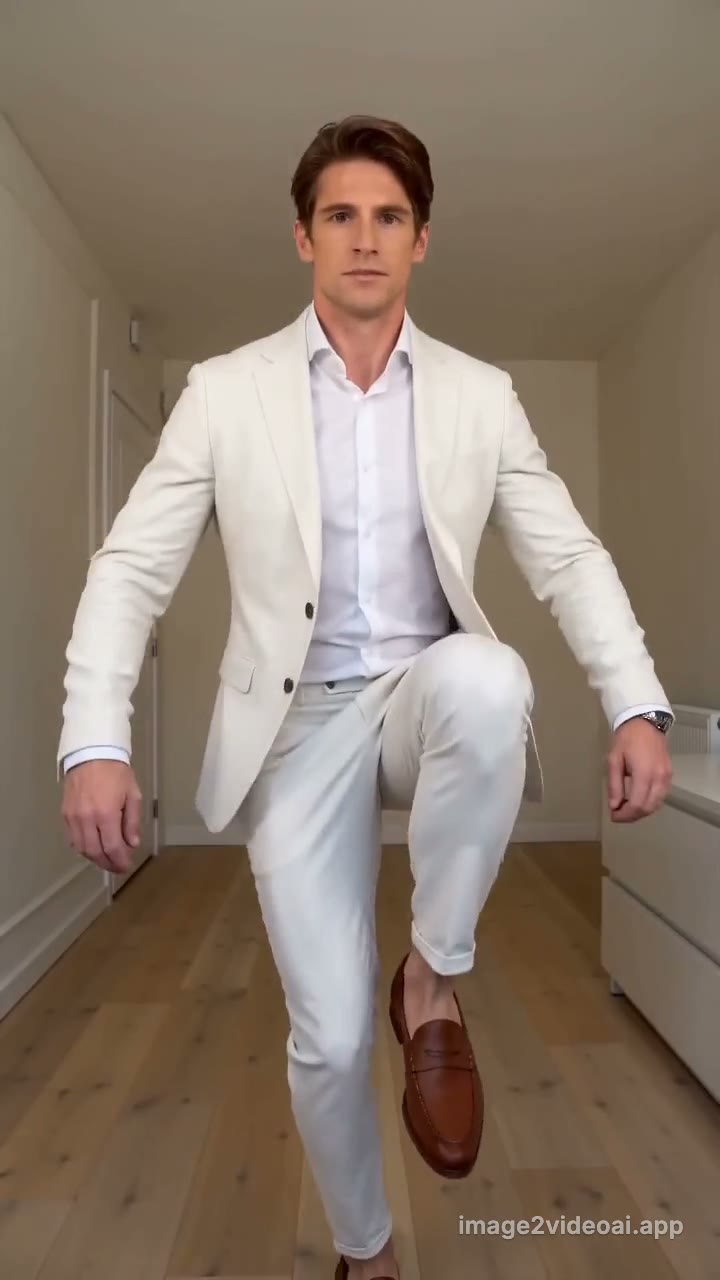 Jean-Phil Dance AIJean-Phil Dance AI turns one photo into the trend video: in an all-white suit, you hop on one leg, knock on an invisible door and freeze, totally deadpan, in a small white room, 10 seconds, vertical.
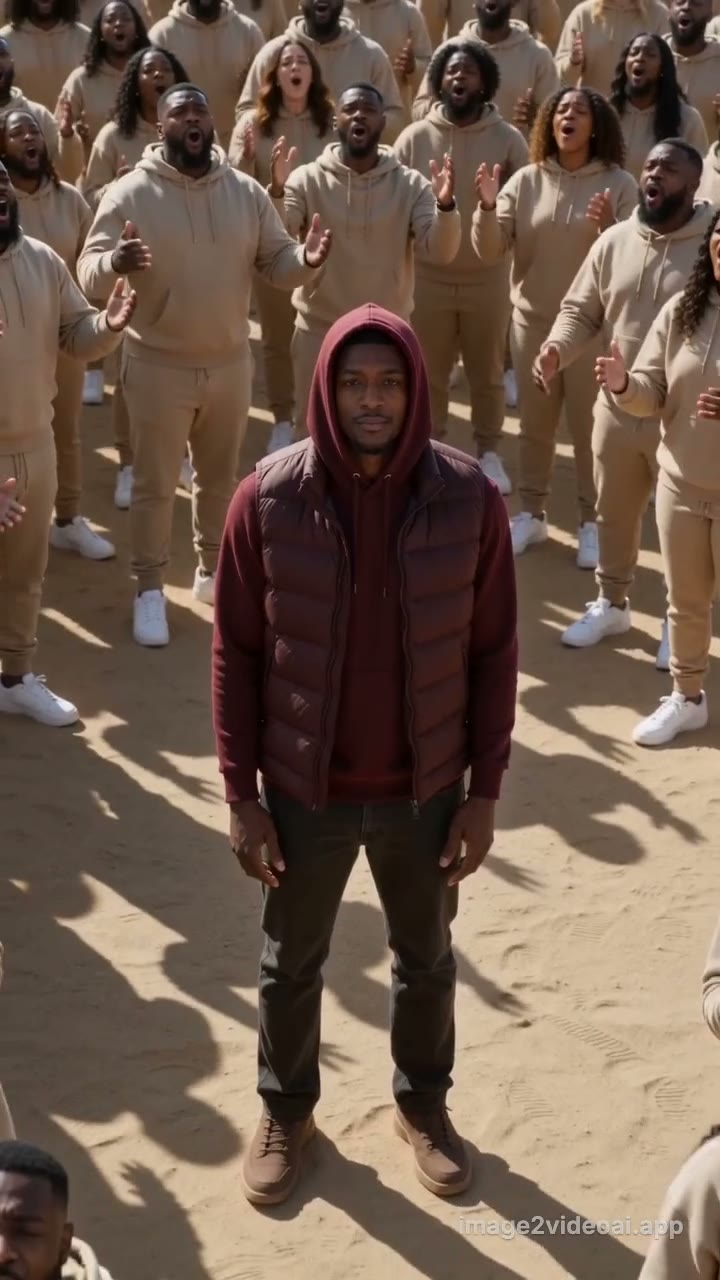 Closed on Sunday AIClosed on Sunday AI turns one photo into the desert choir trend: you stand dead still in burgundy inside a huge beige-clad choir while the camera slowly rises away, 10 seconds, vertical.
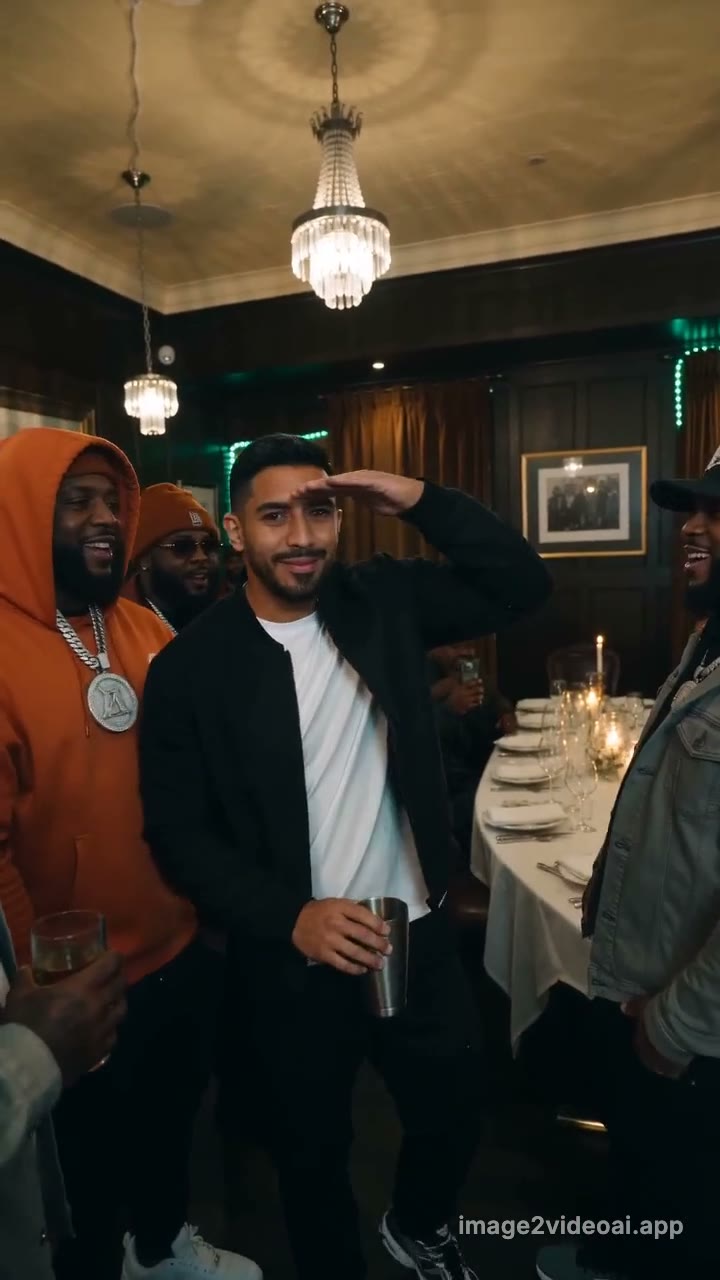 Burning Bridges AIBurning Bridges AI turns one photo into the "where she at" trend video: silver cup in hand, you point at the lens and scan a crowded, chandelier-lit private dining room with a hand over your eyes.
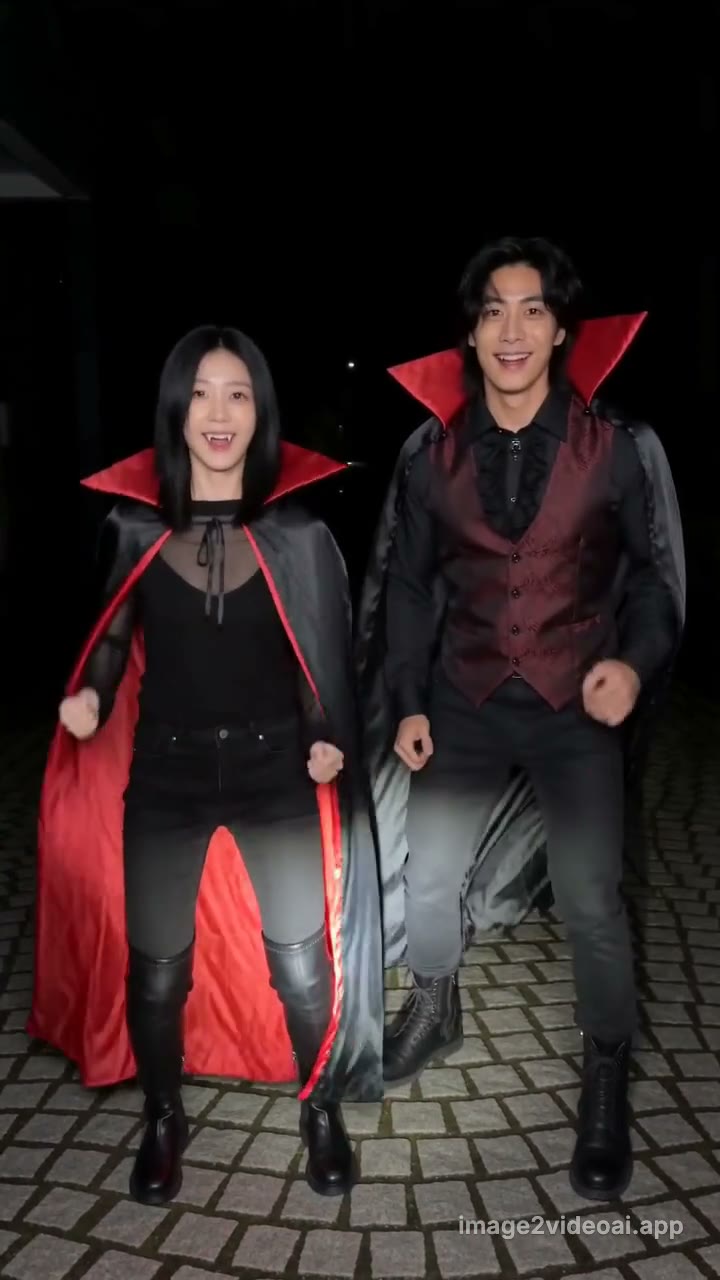 Vampire Duo AIVampire Duo AI turns two photos into the trend video: a night phone-flash clip where one of you squishes the other's cheeks, they fake a faint, then you both pop back and dance as vampires, capes flaring.
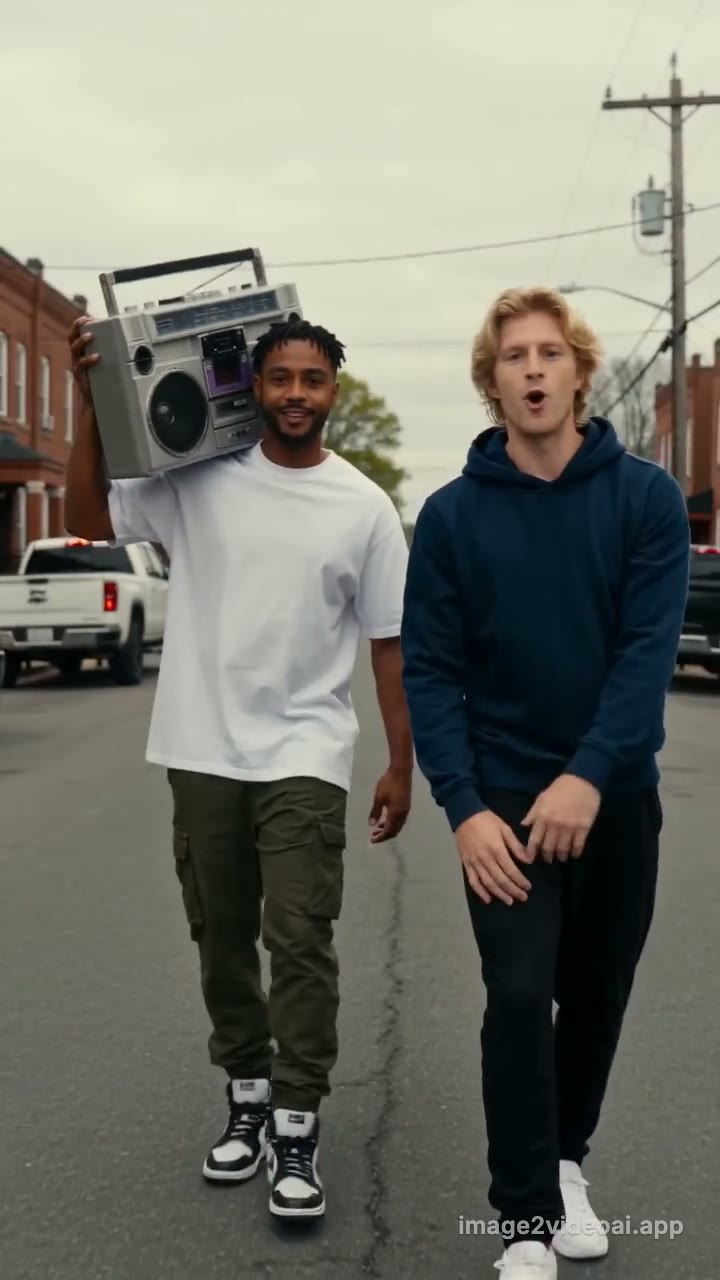 Connor Price Slide Dance AIConnor Price Slide Dance AI turns two photos into the trend video: one of you carries a silver boombox on the shoulder, the other raps to camera as you stroll down an overcast red-brick back street, 10 seconds, vertical.
Updated November 3, 2026 · image2videoai.app/mummy-zombie-ai
