Bulin 47 AI: the red-light street freestyle from one photo
Bulin 47 AI turns one photo into the trend video: you freestyle in Spanish outside a red-lit venue entrance at night, a friend holding up a speaker, with shoulder bounces, air chops and points at the camera.
- 1 photo, no prompt
- 10 s · 9:16 · 720p
- $9.90 one video · $14.90 for 2
- Failed renders refunded
Generate a brand-new performance video starring the people in your photos. We never edit the original footage. Works with any photo: a person, a pet, a toy or a drawing.
Your photo
Any subject: a person, a pet, a toy, a drawingScene
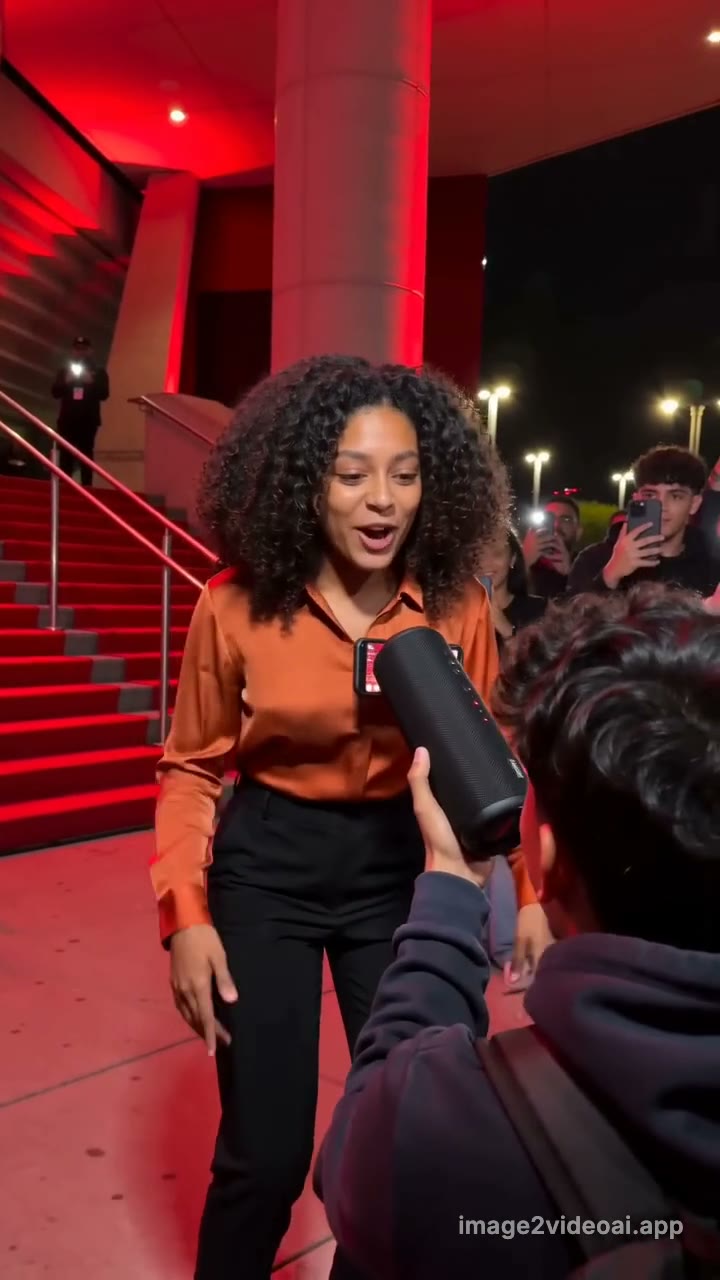 Bulin 47 sceneTested scene, no prompt to write
One video $9.90 one-time · 2 for $14.90 · Usually ready in 3–8 min · Failed renders refunded
Example output. Once you generate, this frame shows your progress and then your own clip.
One photo in, one Bulin 47 AI video out
Example clips are made on this site from AI-generated photos of fictional people and pets, and shortened for this page. Results vary.
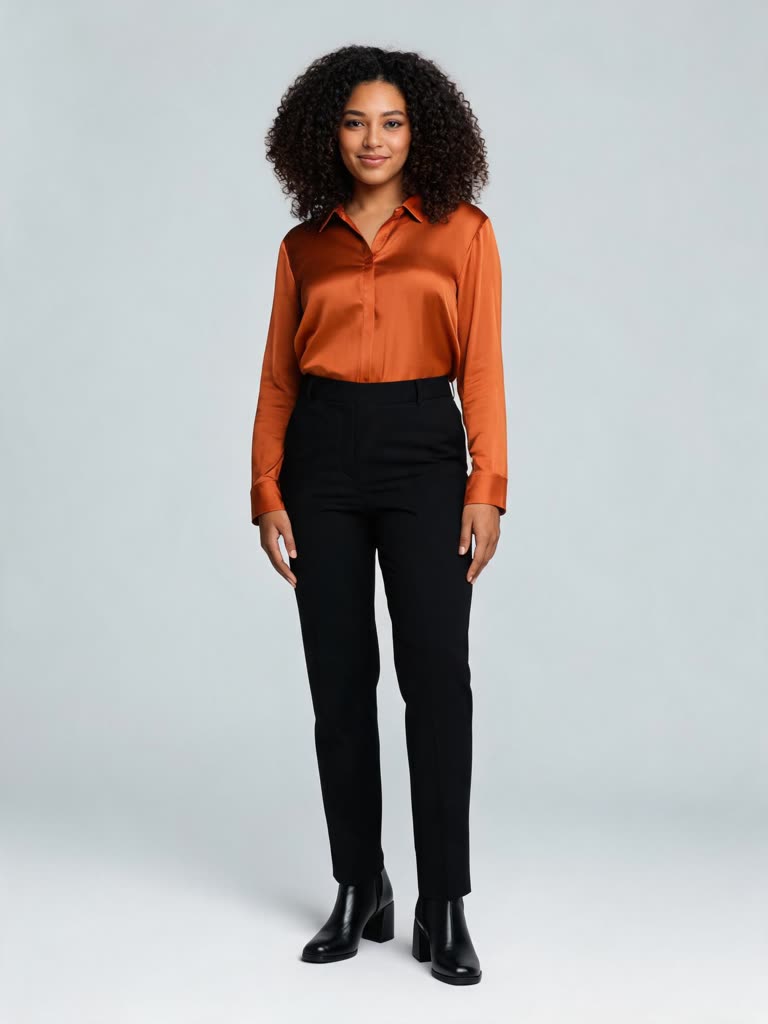 You · the one freestyling
- Your video hereUpload a photo above. 10 seconds, 9:16, ready in a few minutes.Start now
Bulin 47 AI turns one photo into the trend video: you freestyle in Spanish outside a red-lit venue entrance at night, a friend holding up a speaker, with shoulder bounces, air chops and points at the camera. One video is $9.90 one-time, 2 are $14.90. No subscription, no prompt to write; failed renders are refunded.
Updated November 3, 2026What is the Bulin 47 AI trend?
The Bulin 47 AI trend comes from one street clip: around 2 October 2026, Kevin Wai filmed the Dominican dembow artist Bulin 47 freestyling on the spot outside a venue entrance in Madrid. The entrance glows red, a red-carpeted staircase with railings rises behind, a friend seen from behind holds up a black portable speaker and a phone, and people around raise their phones to film while he rides the dembow beat with shoulder bounces and points at the camera. The clip passed 50 million views, spreading through Spanish-speaking TikTok first, and within days people were using AI to generate brand-new versions starring themselves, their friends and even their grandparents.
It is searched under a few names: "Bulin 47 AI", "Bulin 47 freestyle AI" and "Bulin 47 AI video". What makes it work is that every clip keeps the same scene with a different person as the performer, so the comments are all about who got the bars.
This page generates a brand-new performance video starring the person in your photo, in the clothes from that photo: the red-lit entrance and staircase, the friend with the speaker, the handheld over-the-shoulder camera and a Spanish freestyle with original lines over dembow are all built from scratch, and nothing from the original clip is used. You get a vertical MP4 with AI-generated sound; mute it in TikTok and add the trend's original audio when you post.
This page is an independent fan tool, not affiliated with, endorsed by or sponsored by Bulin 47, Kevin Wai or Bulin 47's label. Names are used descriptively to identify the trend; the artist never appears in your video — the person in your photo does.
- Origin
- Kevin Wai's street clip of Bulin 47 freestyling outside a venue in Madrid – TikTok (Spanish-speaking feeds first)
- Started
- around early October 2026
- Also searched as
- Bulin 47 Freestyle AI
How to make the Bulin 47 AI video
- 1
Upload one clear photo of the one who will be freestyling: a person (an adult, face visible, no sunglasses), a pet, a toy or a drawing.
- 2
Tick the consent box and press Make my video. Scene, red light, camera and sound come from the tested version, so there is no prompt to write.
- 3
Download the clip in 3–8 minutes and post it. In TikTok or Reels, mute the clip's AI sound and add the trend's original audio.
What happens in the 10 seconds
- 0–1.5sHandheld phone shot at night over a friend's shoulder: a red-lit venue entrance, a red-carpeted staircase with railings behind, the friend holding up a black speaker and a phone. You grin, nod to the beat and step in.
- 1.5–8.5sYou freestyle in Spanish over a fast dembow beat, straight to the lens and the friend: big shoulder bounces, air chops, palm-up gestures, a point at the camera on every punchline, laughing between lines.
- 8.5–10sYou lean back laughing as the people behind you raise their phones to film.
Start with one video
Pay once, no subscription. Credits work for every video on the site and pack credits stay valid for 12 months; failed renders are refunded.
One video · one-time
$9.9010 credits
Exactly this Bulin 47 AI video: 10 seconds, 9:16, 720p. The credits are added right after checkout; then press Make my video.
Starter Pack
SAVE 24%$14.9020 credits · 2 videos
2 videos for Bulin 47 AI or any other page on the site. $7.45 per video instead of $9.90.
Making more?
from$4.34per video
- Standard Pack · 6 videos$39.90
- Pro Pack · 18 videos$99.90
- Monthly plansfrom $19.90/mo
Payments are handled by our payment processor. Buying means you accept the Terms and the Refund Policy.
Bulin 47 AI FAQ
What is the Bulin 47 AI trend?
It is the red-light street freestyle: a person outside a red-lit venue entrance at night, a red-carpeted staircase behind and a friend holding up a speaker and a phone, freestyling in Spanish over dembow with shoulder bounces and points at the camera while people film. The AI version builds that whole scene from one photo of you, so nothing is filmed.
How do I make a Bulin 47 AI video?
Upload one clear photo, tick the consent box and press Make my video. The tested scene is used as is, so there is no prompt to write. Length (10 s), ratio (9:16) and resolution (720p) are fixed. The video is usually ready in 3 to 8 minutes and also appears in My Creations.
Is Bulin 47 AI free?
No. Each video costs 10 credits, paid once with no subscription needed; the button shows the credits before you generate. Failed or declined renders return their credits automatically.
What photos should I upload?
Any subject works, one per photo: a person, a pet, a toy, a drawing or AI art. A person must be an adult, face clearly visible and looking roughly at the camera, no sunglasses, masks or heavy filters; a pet needs its face and eyes visible. At least 512 px on the short side. An evenly lit photo works better than a dark one; the red light is added by the model.
How much does it cost?
10 credits per video. Credits work for every video on the site; pack credits stay valid for 12 months, monthly-plan credits for 30 days.
How long does it take?
Usually 3 to 8 minutes. You can leave the page; the finished video is listed in My Creations.
Can I make it with my pet, dog or cat?
Yes. Any photo works: upload your dog, cat or another pet, a toy, a drawing or AI art instead of a person, one per photo, and the same scene is generated with it. The moves are written for people, so a pet or a character acts them out in its own way.
Does the video include the original freestyle audio?
No. The clip comes with AI-generated sound, and the lip movement follows that. On TikTok or Reels, mute the clip's own audio and add the trend's original sound in the app, so your video joins that sound's page.
Is it vertical (9:16) for TikTok and Reels?
Yes. 9:16 at 720p (720×1280), 10 seconds, MP4, no watermark.
Is this made from the original clip?
No. We generate a brand-new performance video starring the person in your photo and never edit the original footage. The venue, the red light, the friend with the speaker and the delivery are generated from scratch; this site is not affiliated with the artist.
Can I use photos of celebrities or other people?
No. Before every render you confirm that everyone in the photos is you or an adult who agreed to appear. No minors, no public figures, no sexual or harassing content. Breaking these rules gets the render declined, and repeated declines suspend the account for 24 hours.
What happens to my photos?
Photos are used only to make your video, deleted after 7 days and never used for training. Generation runs on a third-party AI provider; the finished file is stored in your account.
What if the generation fails or looks wrong?
Failed and declined renders are refunded automatically and the reason is shown in My Creations. If the face drifts, use a closer, better-lit photo and render again.
More AI trend effects
All TikTok AI trends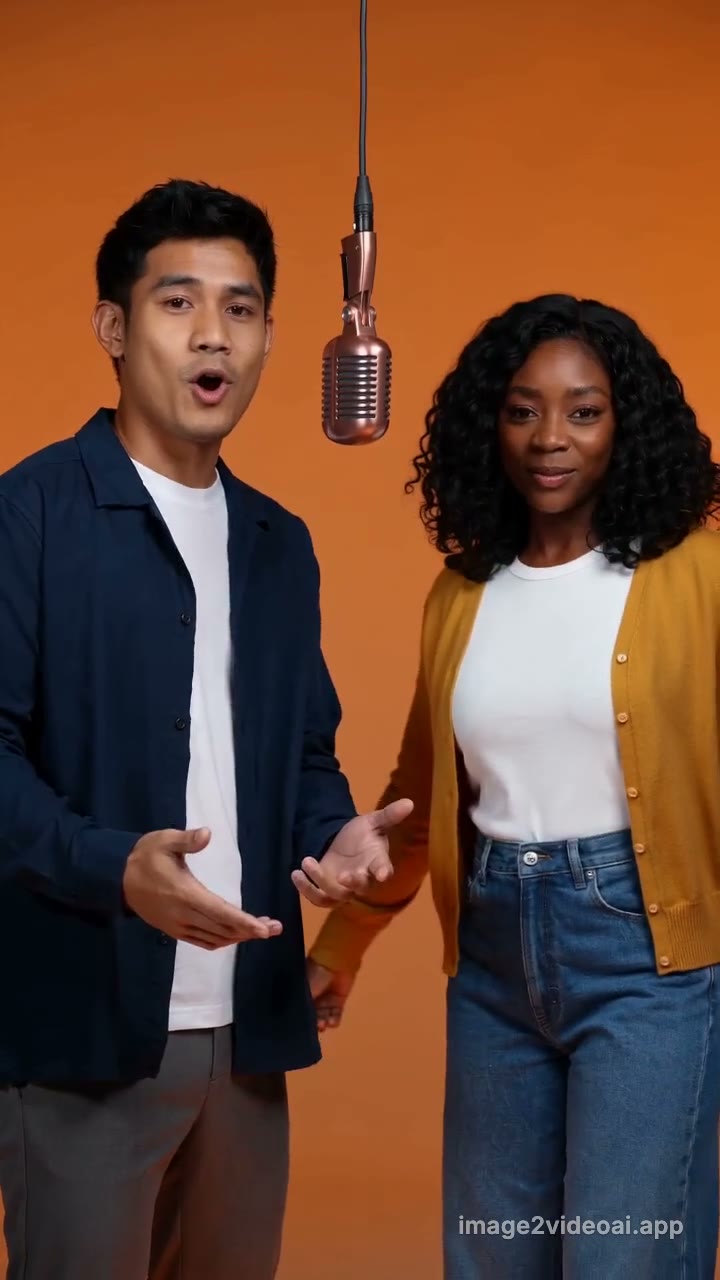 Hotel Lobby AIHotel Lobby AI turns two photos into the trend video: you and a friend stand side by side on a glowing riser in a saturated orange studio, trading rap lines under one hanging vintage mic, 10 seconds, vertical.
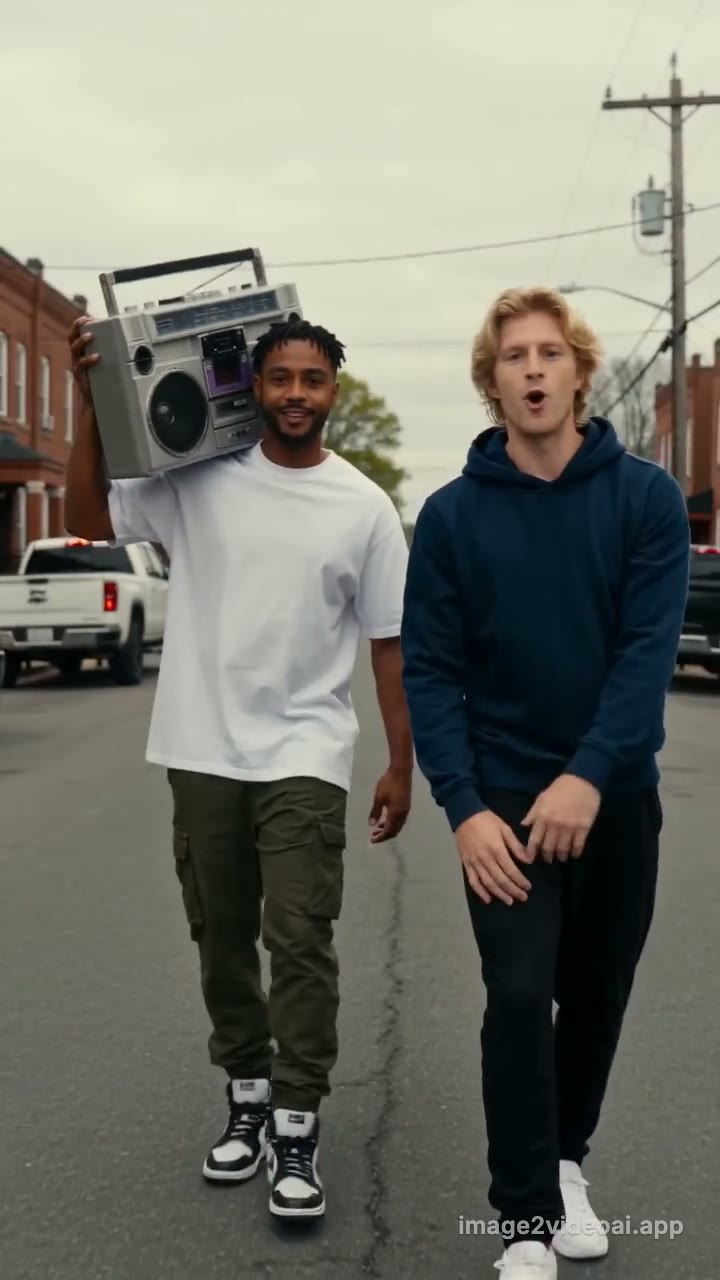 Connor Price Slide Dance AIConnor Price Slide Dance AI turns two photos into the trend video: one of you carries a silver boombox on the shoulder, the other raps to camera as you stroll down an overcast red-brick back street, 10 seconds, vertical.
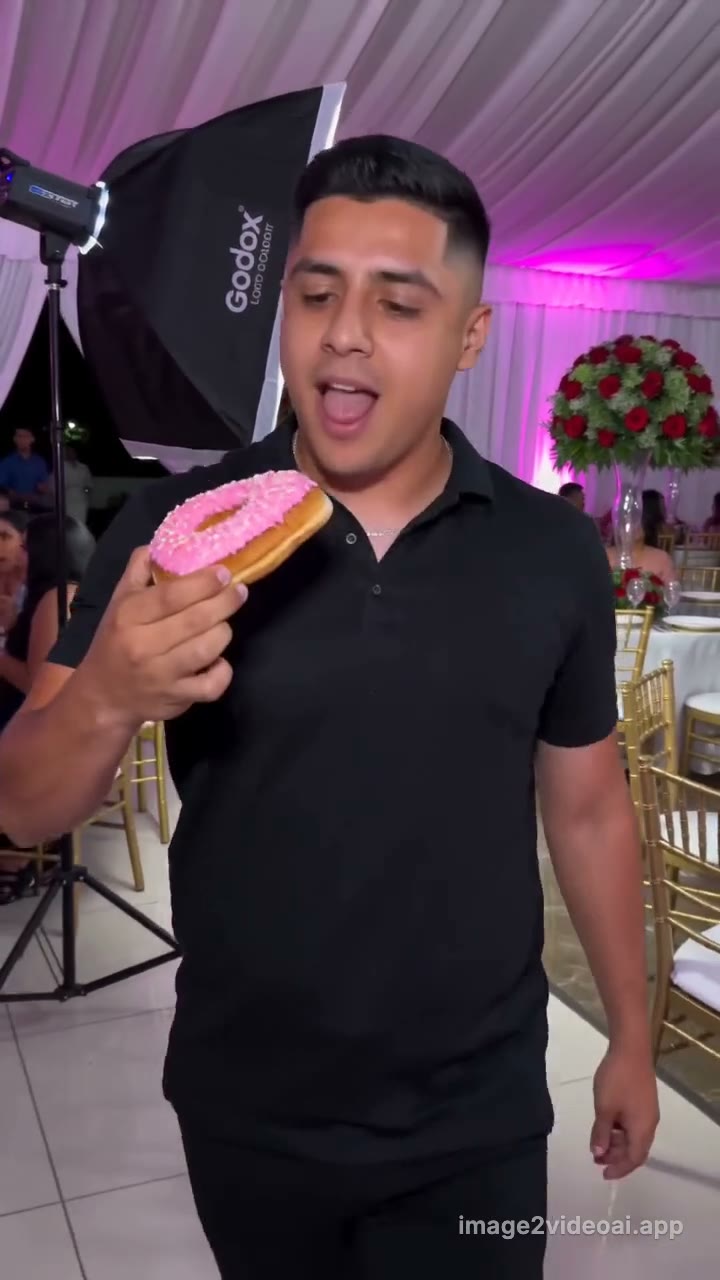 Dime Dime Baby AIDime Dime Baby AI turns one photo into the BbY WOW clip: you strut through a quinceañera party in a black polo, bite a concha, chew with puffed cheeks staring into the lens, then dance away.
Updated November 3, 2026 · image2videoai.app/bulin-47-freestyle-ai
